Mobility Meets Opportunity: A New Era for Gig Workers

Transform the way you work with KMobile that handles payments and operations on the go.
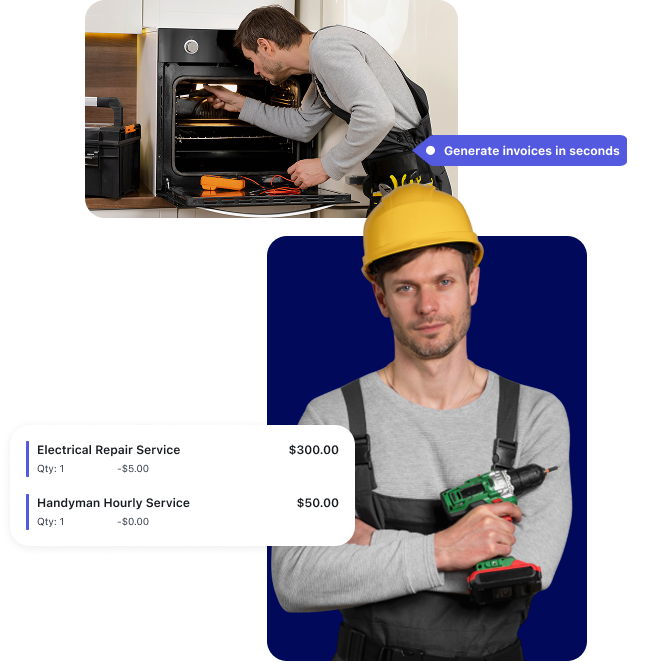
  • Sample Gig - Mechanic
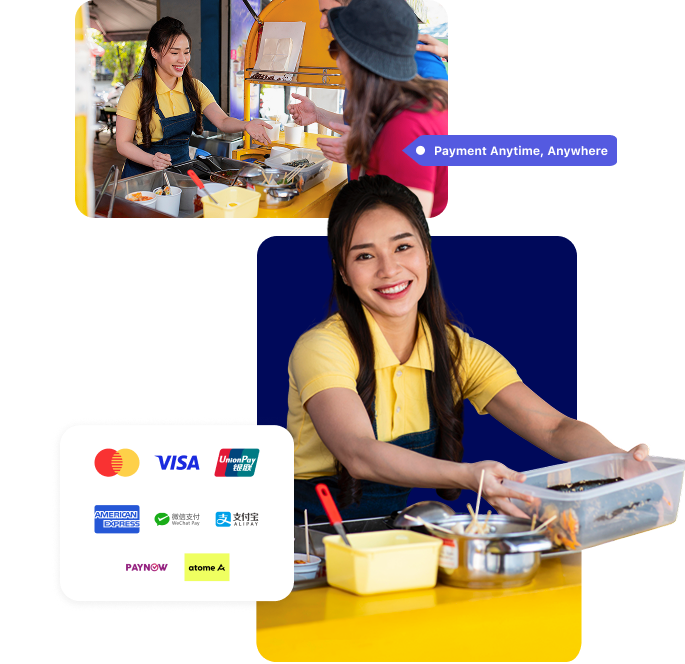
  • Sample Gig - Event Space/Booth
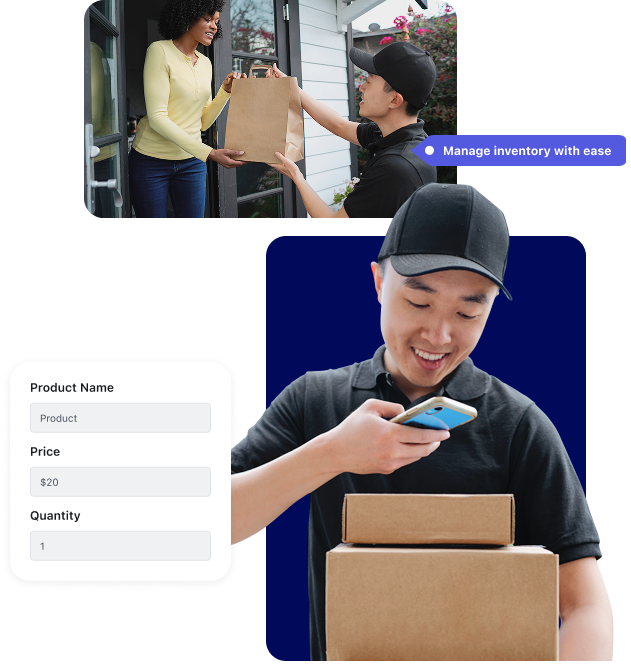
  • Sample Gig - Delivery

About

Learn why KMobile is the trusted solution for businesses looking to simplify payments.
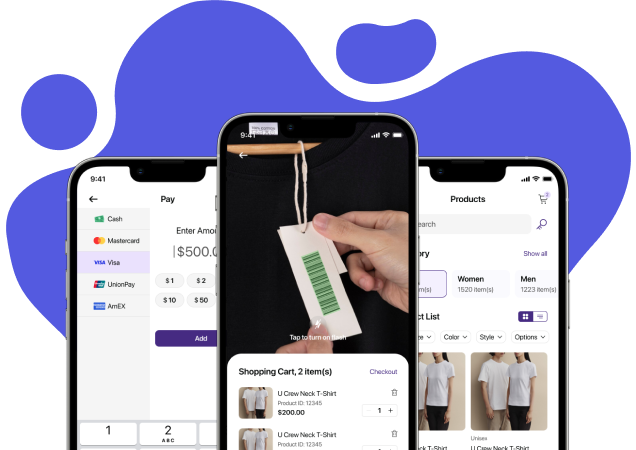
Elevate your business with KMobile’s effortless payment solutions.

KMobile is a mobile point-of-sale app designed to cater to the fast-paced needs of modern businesses. Whether you're a freelancer, a gig worker, or a retailer, KMobile provides all the tools you need to manage your payments and operations efficiently.

  • Accept multiple payment methods (credit/debit cards, e-wallets, QR codes).
  • Generate digital receipt instantly.
  • Handle refunds with ease directly through the app.
  • Manage customer profiles effortlessly.
  • View real-time reports and analytics.

KMobile is more than just a payment solution — it's your all-in-one business partner.Ï

Pricing

Simple, transparent pricing for businesses of all sizes

Singapore

Singapore

SGD

Domestic Cards LOCAL
2.3 % + $0.10

per successful transaction

International Cards GLOBAL
2.9 % + $0.10

per successful transaction

  • No setup fees
  • No hidden fees
Get Started →

Use Cases

Discover how KMobile benefits businesses of all sizes by simplifying payments and enhancing customer experience.

Freelancers

KMobile helps freelancers receive quick payments from clients anywhere, whether for consulting, creative work, or project-based tasks.

Pop-Up Shops

KMobile supports pop-up shops by enabling quick and secure payments at temporary locations, offering flexibility in payment processing.

Event Vendors

Whether at festivals, markets, or conferences, KMobile helps event vendors accept payments in real time, boosting their sales and efficiency.

Delivery Drivers

KMobile allows delivery drivers to accept payments securely, directly from their mobile device, simplifying the cash flow on the go.

Small Retailers

Small businesses can easily integrate KMobile to manage sales, and accept payments—all in one seamless solution.

Gig Workers

KMobile offers gig workers the ability to receive payments instantly for short-term jobs, ensuring smoother transactions and financial management.

Contact

Have questions or need support? We’re here to help.

Address

205 Balestier Rd, #02-09 The Mezzo, Singapore 329628

Call Us

+65 6221 6601

Email Us

info@eleos.com

Frequently Asked Questions

Find answers to common questions about KMobile and Tap to Pay

A. Overview & Merchant Onboarding

What is Tap to Pay?

Tap to Pay allows merchants to accept contactless card payments directly on a mobile device without using a physical card terminal. Customers can pay by tapping their contactless card or supported mobile wallet on the merchant's device.

What is KMobile?

KMobile is a mobile point-of-sale (POS) app that enables merchants to accept payments, manage sales, and track transactions. It supports Tap to Pay, allowing contactless payments directly on compatible mobile devices.

How do I sign up for KMobile and Tap to Pay?

You can sign up by visiting:

https://register.arriv.site/start/signup

Follow the registration steps and submit the required business and banking information. Once approved, you can start using KMobile and Tap to Pay.

What do I need to get started?
  • A compatible smartphone with NFC enabled (minimum requirement for Tap to Pay)
  • Stable internet connection
  • Valid business registration information
  • Valid bank account for payouts
  • KMobile app installed on your device
How long does the onboarding process take?

The onboarding process is subjected to successful verification and approval by our payment partner (Adyen).

Are there any setup or onboarding fees?

There are no setup or onboarding fees. Transaction fees may apply per payment processed, depending on the card type and issuing bank.

B. Getting Started with the App

What devices are supported by the KMobile app?

The app supports iOS mobile devices and tablets that meet the minimum OS requirements. Refer to the Apple App Store for supported versions. Android support is coming soon.

How do I download the KMobile app?

The KMobile app can be downloaded from the Apple App Store. Android support is coming soon.

How do I log in to the KMobile app?

Open the KMobile app and enter your assigned username and password. Ensure the credentials match those provided during registration.

I forgot my password. How do I reset it?

Use the "Forgot Password?" option on the login screen.

What should I do if I don't receive any emails?
  • Check your spam or junk folder
  • Verify your registered email address
  • Contact support@eleos.com if the issue persists

C. Payments & Tap to Pay

How do I accept payment using Tap to Pay?
  • Open the KMobile app
  • Add items and view cart
  • Select "Tap to Pay on iPhone"
  • Ask the customer to tap their contactless card or device
  • Payment is processed and confirmed

Note: An active internet connection is required to collect payments.

Does Tap to Pay work offline?

No. Tap to Pay requires an internet connection to process and confirm payments.

What payment methods are supported?
  • KMobile supports cash, card and e-wallets, depending on store configuration
  • KMobile allows merchants to manage different payment methods within the app
  • For details on card types accepted via Tap to Pay, please refer to FAQ-What card types are supported?.
Can I accept foreign cards using Tap to Pay?

Yes. Tap to Pay supports international cards, subject to card network and issuer approval.

What card types are supported?
  • Visa (credit & debit) — standard contactless Visa cards
  • Mastercard (credit & debit)
  • American Express (Amex)
  • Diners Club
  • Discover
  • eftpos (in supported regions like Australia)
  • Apple Pay
  • Google Pay
How do I know if my Tap to Pay is activated and ready to use?
  • Open the app and login with username and password provided
  • Navigate to Profile > Credit Card Settings
  • Ensure Adyen Tap to Pay is Enabled
  • Try a small test transaction to confirm the setup. (Note: Test transactions can be voided)
I am unable to accept card payments using Adyen Tap to Pay. What should I do?
  • Ensure your mobile device supports NFC and that NFC is enabled
  • Ensure your device has a stable internet connection
  • Verify that your payment credentials are correctly configured
  • Contact support@eleos.com if the issue persists

D. Sales, Transactions & Payouts

Can I track my sales and transactions?

Yes. Sales and transaction history can be viewed directly in the KMobile app.

Why are some orders missing from my transaction list?
  • Transaction date filter may be incorrect
  • Device may have unstable internet
  • Transactions may not be fully synced
Can I edit an order after it has been completed?

Completed orders cannot be edited. You may void the transaction or issue a refund and re-create the order.

Can I issue refunds or cancel transactions?

Yes, refunds and cancellation can be made by viewing past transactions.

How can I track credit card payments?

Credit card transactions can be viewed via the Arriv Merchant Dashboard.

Can I track payouts and reconciliation?

Yes. Payout and reconciliation details are available in the Arriv Merchant Dashboard.

When and how do I receive my funds?

Funds are settled to your registered bank account based on the agreed payout schedule after successful transaction processing.

What should I do if my POS shows an incorrect sales total?
  • Perform a data sync
  • Ensure all invoices are fully synced
  • Contact support@eleos.com if the issue continues

E. Inventory & Products

How do I update product inventory?

Inventory is refreshed automatically from the backend during data sync.

Can I add new products directly from the app?

Yes. New products can be added via the app. Refer to the User Guide for detailed steps.

Can I sell items without barcodes?

Yes. Items can be manually added using product search or category browsing.

F. Syncing, Barcode & Performance

How do I perform a data download or sync?

Go to Profile > Data Download/Sync > Download All. Ensure your device is connected to the internet.

How often should I perform data sync?

At least once per day, or whenever backend changes are made such as product updates or price changes.

Why are products or prices not updated?
  • Backend updates not synced
  • Full data download not performed
  • Unstable network connection
  • Perform a full Data Download to refresh data
Does the app support barcode scanning?

Yes. Barcode scanning is supported using the device camera.

Why can't my camera scan barcodes?
  • Camera permission disabled
  • Low lighting conditions
  • Damaged barcode
  • Camera focus issues
Why is my app running slowly or freezing?
  • Restart the app
  • Ensure device meets minimum requirements
  • Complete pending data syncs
  • Update to the latest app version

G. Updates, Security & Support

How secure is the KMobile app?

The app uses encrypted data transmission, user account level authentication.

How do I update the KMobile app?

Updates are available through the Apple App Store.

What should I do before updating the app?
  • Ensure stable internet connection
  • Ensure all transactions are fully synced
What should I do if I encounter an error or want to report a bug?

Provide the following details:

  • Device model
  • OS version
  • App version
  • Steps to reproduce
  • Screenshots (if applicable)

Send the information to support@eleos.com.

Start using KMobile today, enjoy seamless payments and growth.